
WhatsApp delivery notifications: inform in real time
Reduce delivery failures, lighten your customer service load, and deliver a smooth post purchase experience directly on your customers preferred channel.
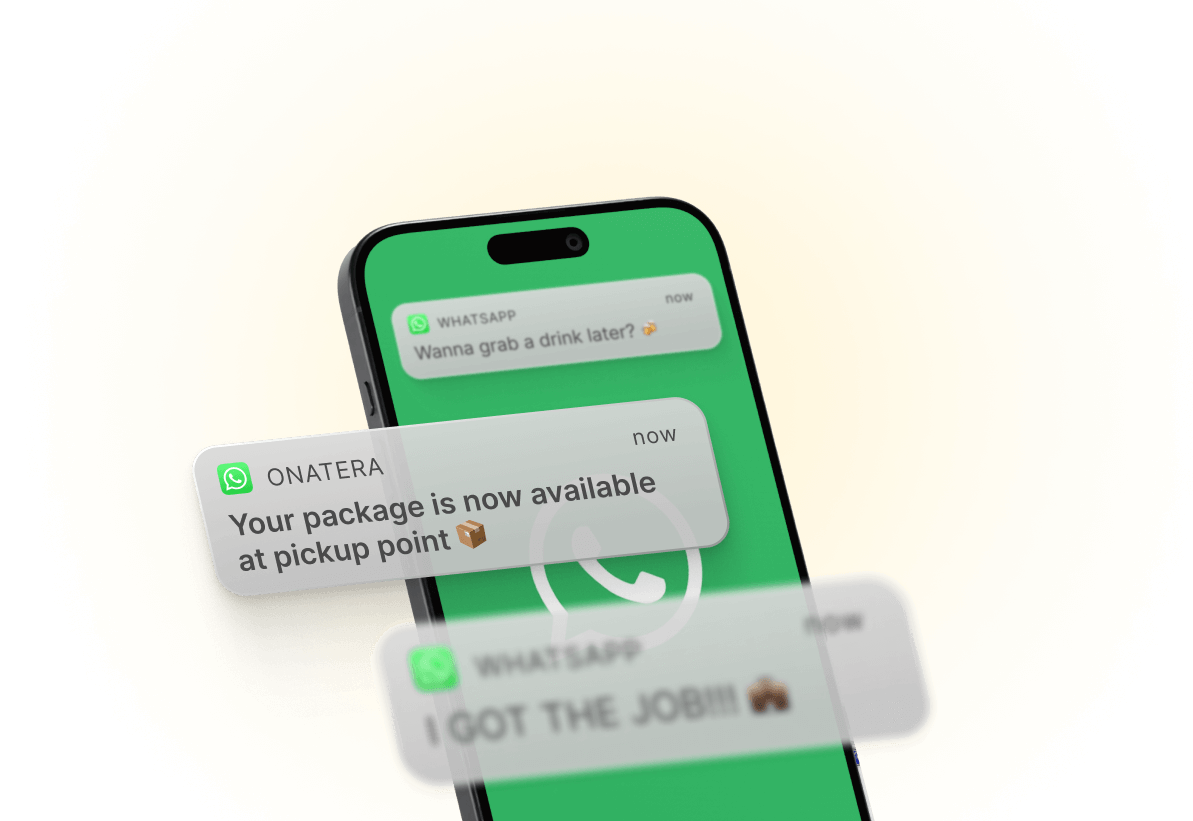


WhatsApp lets you send clear and engaging messages at each stage of the delivery. Combine it with email, SMS, and Apple Wallet Order Tracking to offer a seamless and personalized experience.
They are already notifying customers on their preferred messaging channel



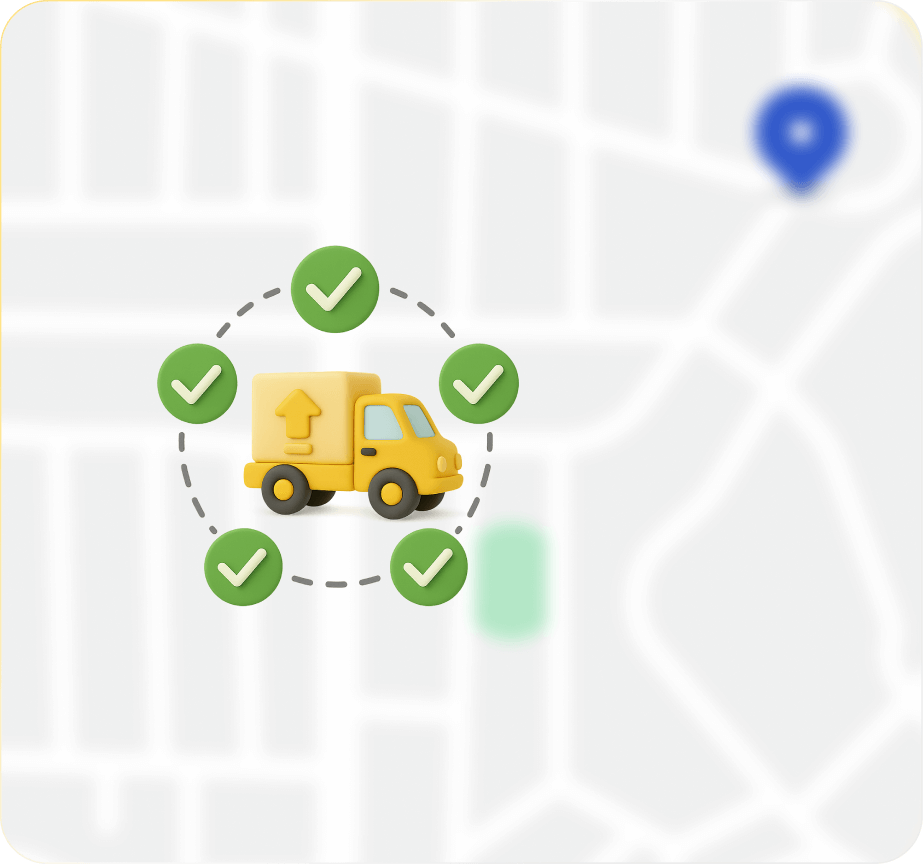
Reduce delivery failures
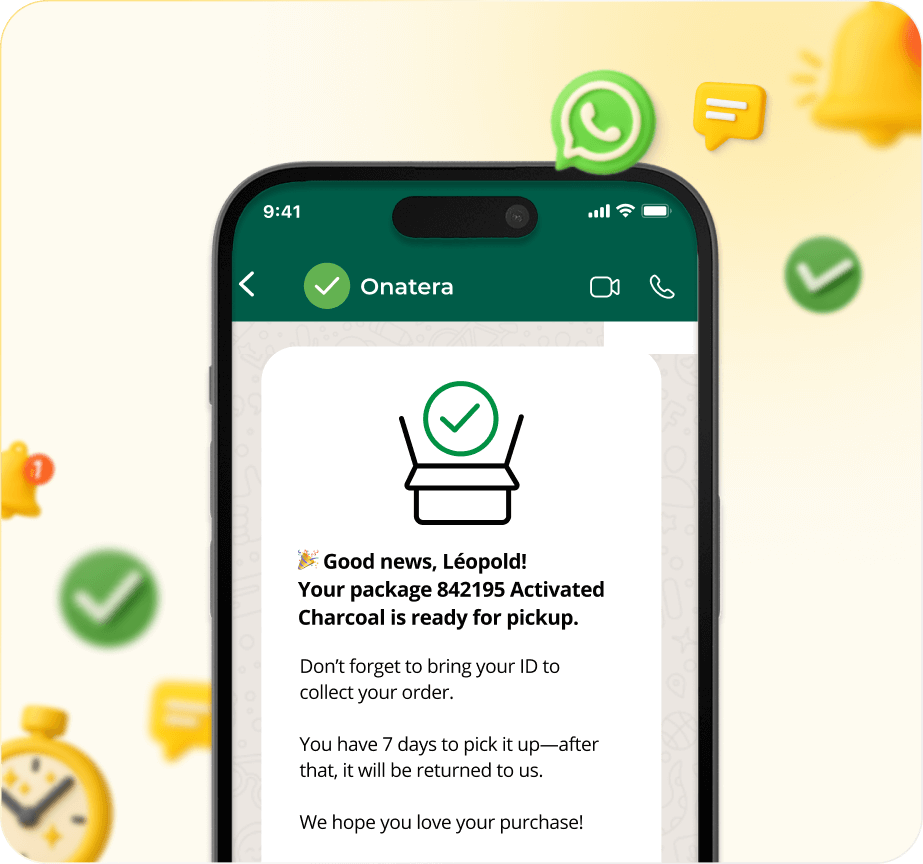
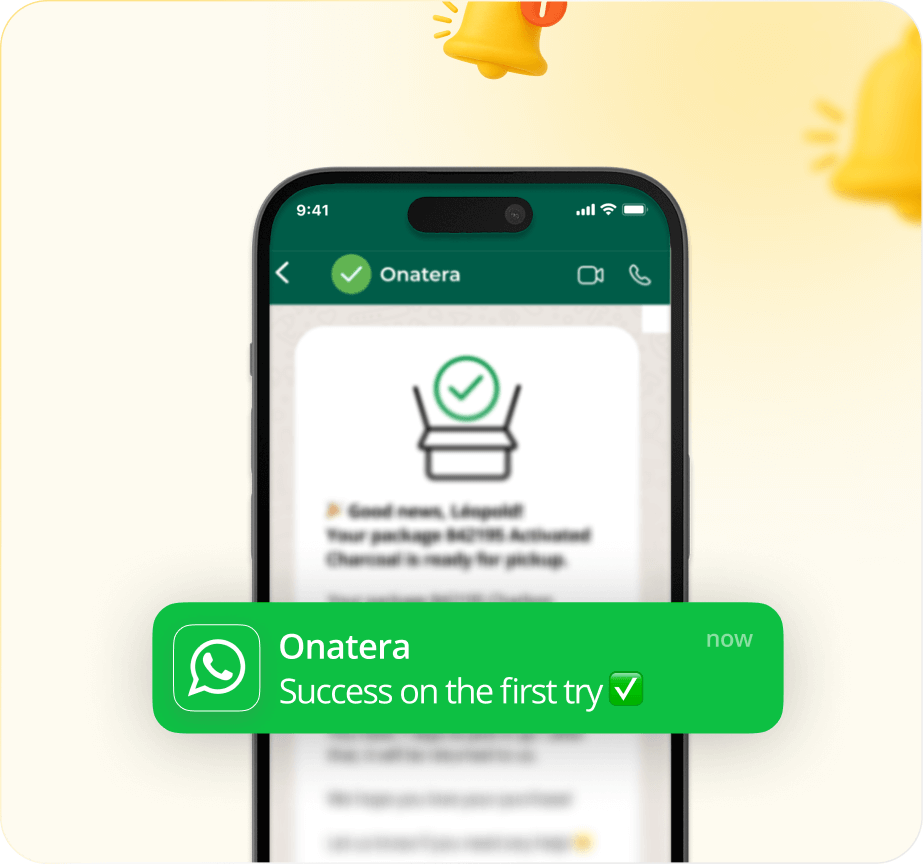
Lighten Your Customer Support Load
.png)
Smart Redirection
Guide customers to the right pages or contacts to avoid unnecessary back and forth.
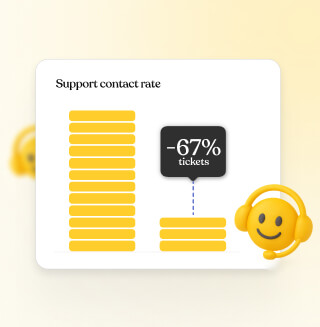
Fewer support tickets
Reduce the number of delivery related support requests and save time.
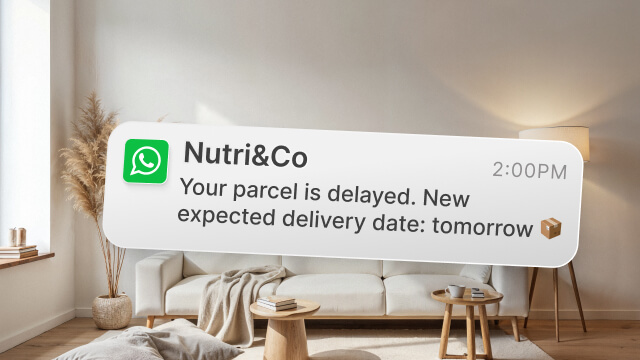
Proactive notifications
Send automatic messages when a package is delayed so customers don't have to reach out.
Turn every WhatsApp message into a brand moment
Offer clear and modern communication on your customers favorite channel.
Highlight each stage of the delivery to leave a positive and lasting impression
Send personalised WhatsApp notifications that are fully aligned with your brand identity.
“WhatsApp notifications allow for real-time, personalized and proactive communication”





Frequently asked questions

No The notifications sent via WhatsApp by Shipup are unidirectional. It's not a conversation. The aim is to provide proactive, clear and engaging information at key moments in the post-purchase journey.
No For delivery notifications, sending via WhatsApp is allowed without an explicit opt-in. This is based on the implicit contract between the customer and the merchant at the time of purchase, where the customer expects to receive information about their order.
The limits depend on the elements of the message: - Main text: up to 1,024 characters (recommended to keep it shorter for mobile readability). - Image/text/document header: visual recommended to capture attention. - Buttons: up to 2 call to action buttons (e.g.: View my order, Contact support). 💡 Best practices: - Use a clear and synthetic style. - Add emojis or formatting (bold, italics) in moderation.
The cost of a WhatsApp notification consists of two components: 1. Shipup fees (infrastructure, customization, follow-up). 2. Meta fees: - Depends on the recipient's region (e.g. France ≈ €0.07 for a utility message). - A Meta Business account + payment method is required. - Over 250 messages, automatic billing by Meta. 💡 The use of validated templates and well-categorized shipments (e.g. “utility”) makes it possible to optimize costs.
Each notification is billed upon delivery. The cost includes two parts: the Meta share (varies by country) and the Shipup fee (€0.015 per notification). In France, the total price is around €0.04 per notification (€0.025 Meta + €0.015 Shipup). The two invoices are separate.

.png)
